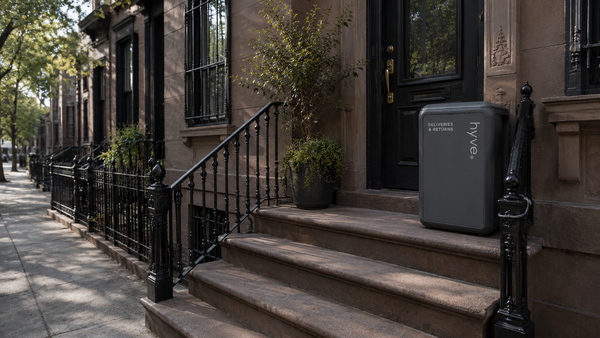
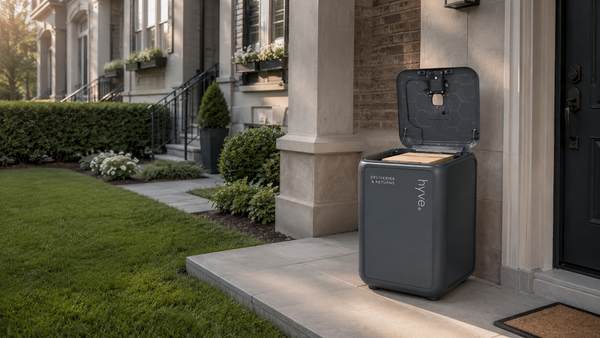
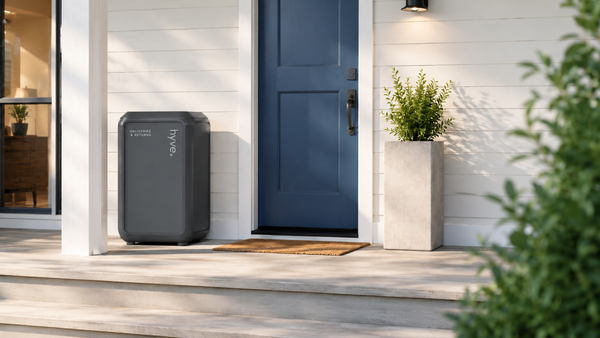
If you’ve invested in a package locker like hyve, you expect one simple thing:
deliveries going inside it, not left at the door.
Yet one of the most common frustrations we hear is this:
“My delivery driver keeps ignoring my package locker.”
You’re not alone. The good news is that there are proven steps you can take today to dramatically increase the likelihood that drivers actually use your locker.
Below are the most effective, customer-controlled tactics we’ve seen work in the real world.
Why Drivers Sometimes Skip Package Lockers
Before jumping into solutions, it helps to understand the mindset of delivery drivers:
-
They’re on tight schedules
-
They often follow app prompts verbatim
-
If instructions aren’t obvious, they default to the front door
-
Anything that feels “uncertain” slows them down
Your goal is simple: remove uncertainty and friction.
Tip #1: Add Your Locker PIN to Delivery Instructions (This Matters Most)
This is the single most important step. In the U.S., the vast majority of deliveries are handled by four major carriers: Amazon, FedEx, UPS, and USPS. If you order something online, it’s almost certainly arriving via one of them.
By setting up a profile and adding clear delivery instructions with each carrier, you ensure that no matter where you shop online, drivers see your package locker instructions when they arrive.
Note: Gig delivery services (such as Instacart, DoorDash, and similar apps) handle delivery instructions separately. For those orders, be sure to add your package locker instructions directly within each app’s delivery notes.
Drivers are far more likely to use your hyve when:
-
The PIN is clearly stated
-
Instructions are short and direct
Best-Practice Instruction Example
“Deliver to hyve package locker next to front door.
Use PIN #### to open.”
Make sure this is added to every delivery provider you use, including:
-
Amazon
-
USPS
-
UPS
-
FedEx
-
Grocery and retail delivery apps
Tip #2: Place Signage Directly on Your hyve
Even with instructions in the app, visual confirmation matters—especially for first-time drivers.

A simple sign on your hyve removes doubt instantly and reassures drivers they’re doing the right thing.
We recommend:
-
Eye-level placement
-
Weather-safe printing if outdoors
Tip #3: Add Signage Where Packages Are Usually Left
This is especially effective if drivers are used to dropping packages elsewhere.
Ideal locations include:
-
Front door
-
Porch railing
-
Gate or entryway
-
Common package area (for multi-unit buildings)
Example wording:
“Please place all deliveries in package locker located [X].”
This helps retrain drivers who have delivered to your home before.
Tip #4: Keep Instructions Short and Repetitive
Drivers are skimming, not reading.
The most effective setups:
-
Repeat the same wording everywhere
-
Avoid long explanations
-
Use the word “locker” explicitly
Consistency builds familiarity, and familiarity builds compliance.
Tip #5: Use hyve’s Free Printable Signage
To make this easy, we’ve created ready-to-print signage designed specifically for delivery drivers.
You can download signs for:
-
Your hyve unit
-
Doors and entryways
-
Shared or common delivery areas
Download hyve delivery signage here:
https://www.hyvesecurity.com/pages/signage
Print, post, and you’re done.
The Bottom Line
While driver behavior is evolving, and improving, customers who combine clear instructions with visible signage see dramatically better results.
If you remember just two things:
-
Always include your PIN in delivery instructions
-
Use signage where drivers already look
You’ll drastically increase the odds that your next delivery ends up exactly where it should, securely inside your hyve.