

Returns made easy. From your lobby.
Download the hyve app to get started
The things people ask.
What can I return?
Returns from all online retailers are compatible with the hyve Returns service. The two requirements we have are: 1. the return is paired to a hyve Returns QR sticker through the hyve app (available at your hyve locker) and 2. the return is packaged and fits in the hyve Returns locker.
How often are pickups made?
Each building gets a minimum of 1 pickup per week. (ie. Every Wednesday)
Where do I see my building's pickup schedule?
It is visible on the home page of the hyve app.
What if my retailer gives me a QR code instead of a shipping label?
hyve works with QR codes as well, just make sure you select the drop-off location associated with the QR code when you register the return in the hyve app.
My building doesn't have hyve yet — what do I do?
Reach out to us at hello@hyvesecurity.com! We will be happy to work with your building to get you set up.
Where hyve Returns Live
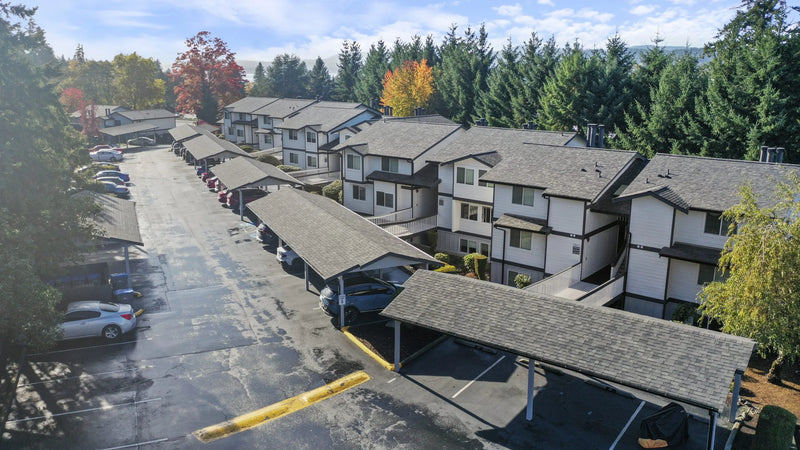
Crosspointe
Seattle, WA
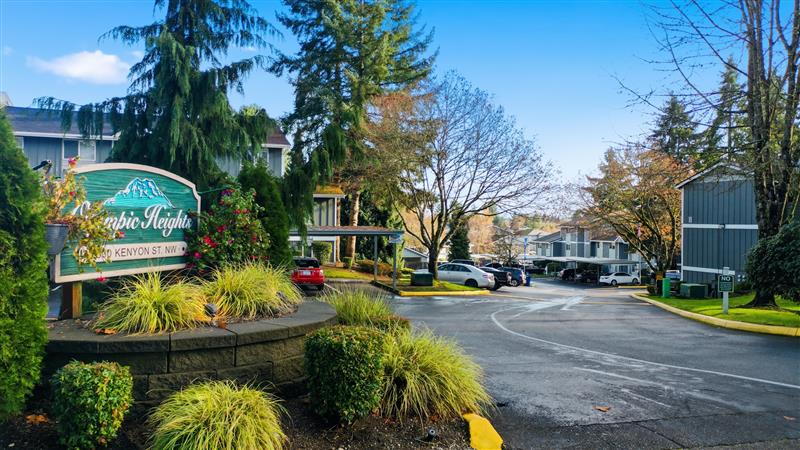
Olympic Heights
Seattle, WA
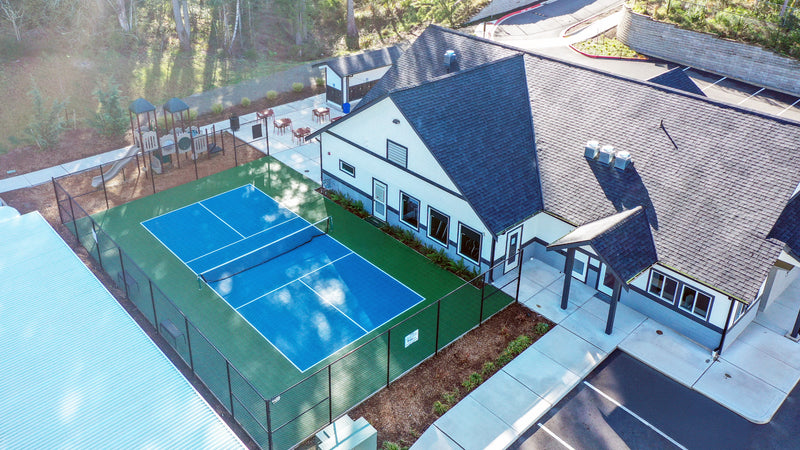
Summit Vista
Seattle, WA
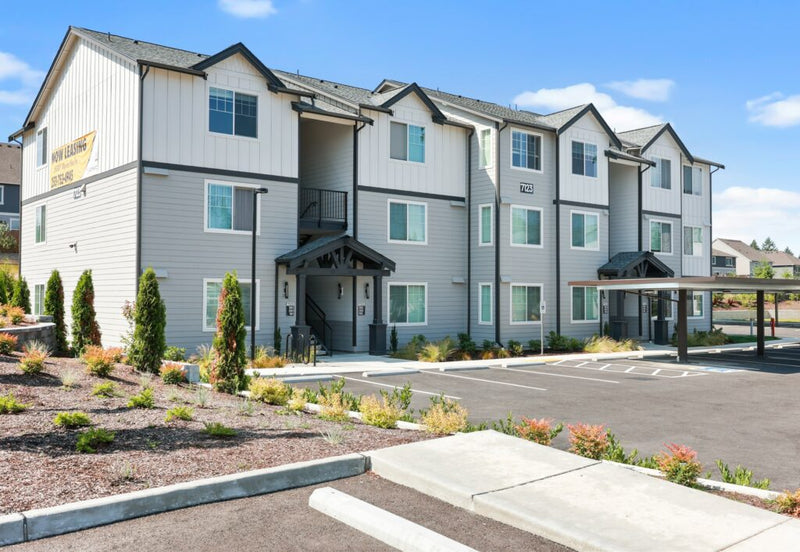
Switchback
Seattle, WA
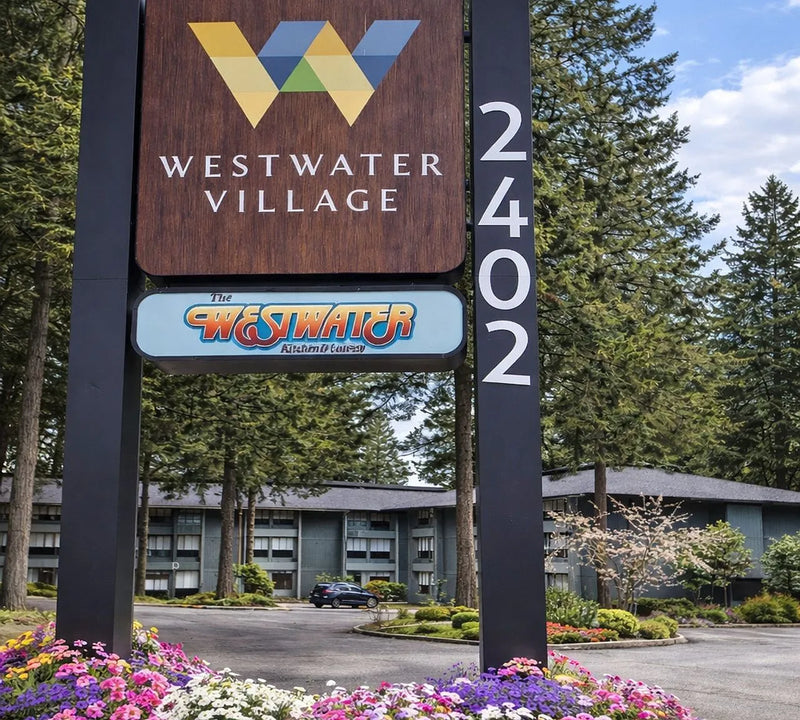
Westwater Village
Seattle, WA
